AuvorisProduct work by Aleksander Celewicz
Twelve AI products.Built by one person,with a lot of effort.
I'm Aleksander Celewicz. In my own time I design and build AI products with AI coding tools, a stack of subscriptions and plenty of persistence. The tools are remarkable, but they do not finish anything on their own.

01 / 06Defence market intelligence
Vuelum
Turn a defence requirement into the right companies.
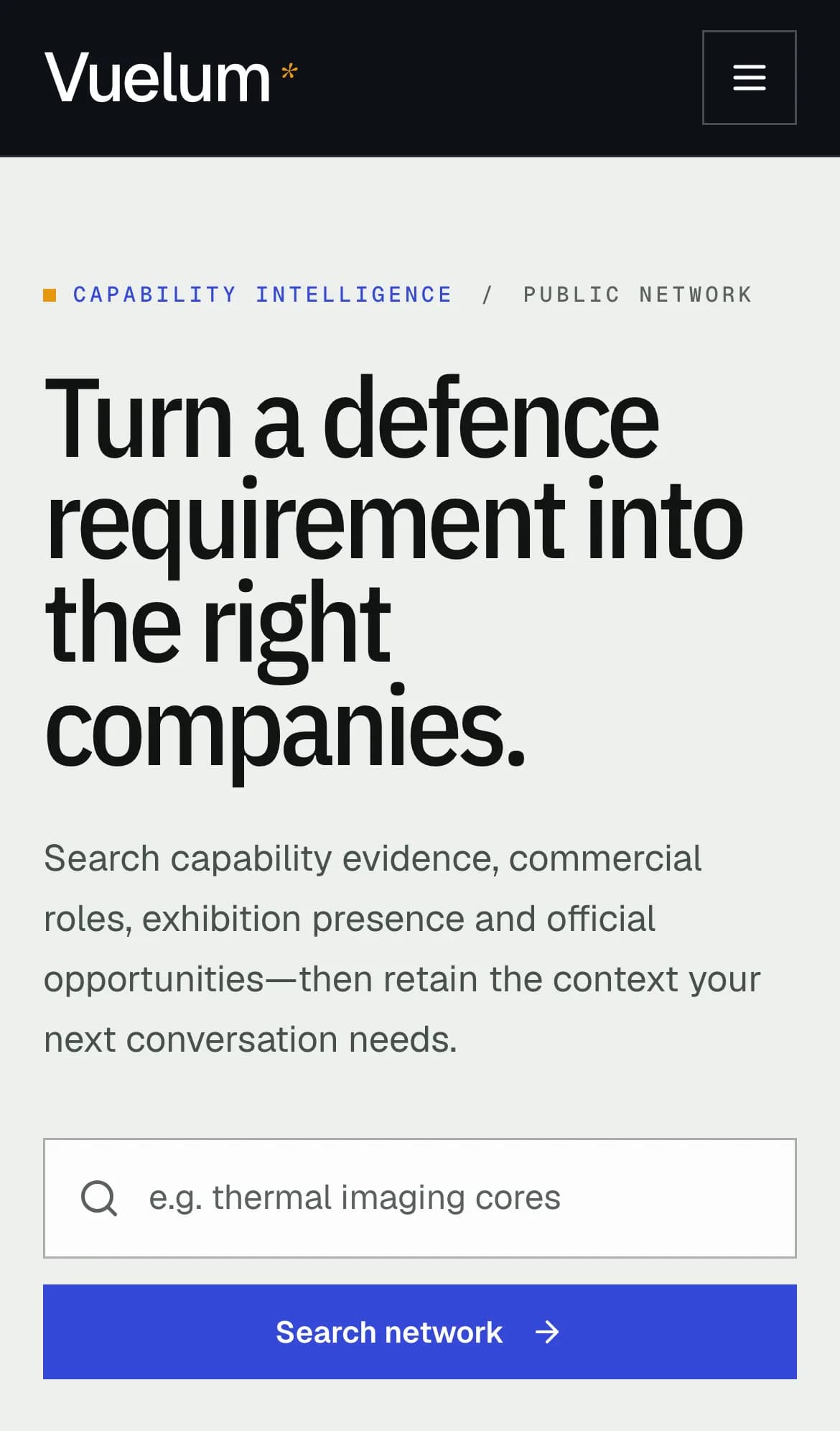
A live directory and research tool for the defence market. Search companies, tenders and exhibitions in one place, then keep what matters in a free workspace.
- Company search
- AI-assisted matching
- Tenders and exhibitions
- Free workspace
01.1Start with the requirementDescribe what you need. Vuelum returns the companies, capabilities and opportunities that fit. 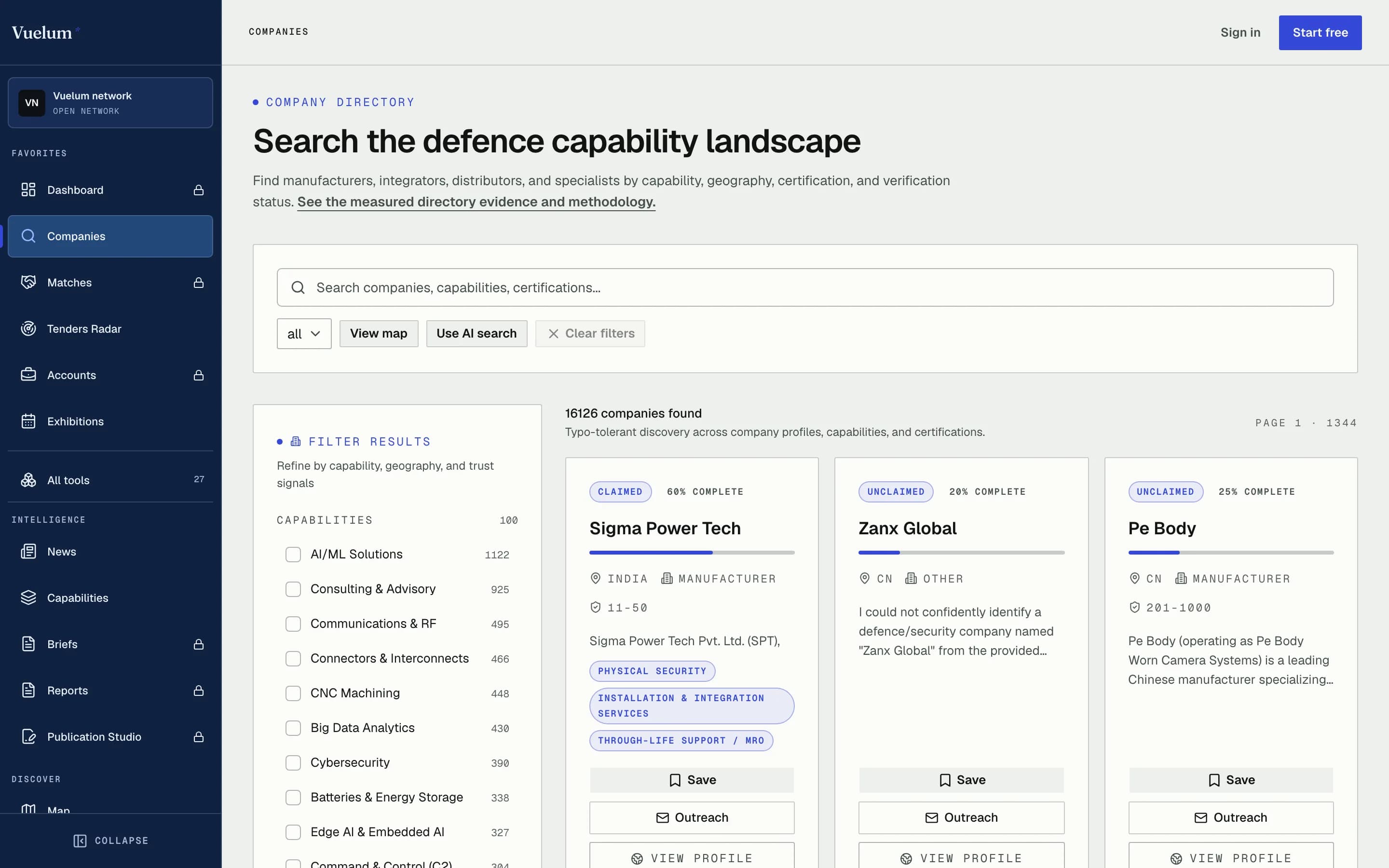
01.2Search the whole landscapeFilter manufacturers, integrators and specialists by capability, country and certification. 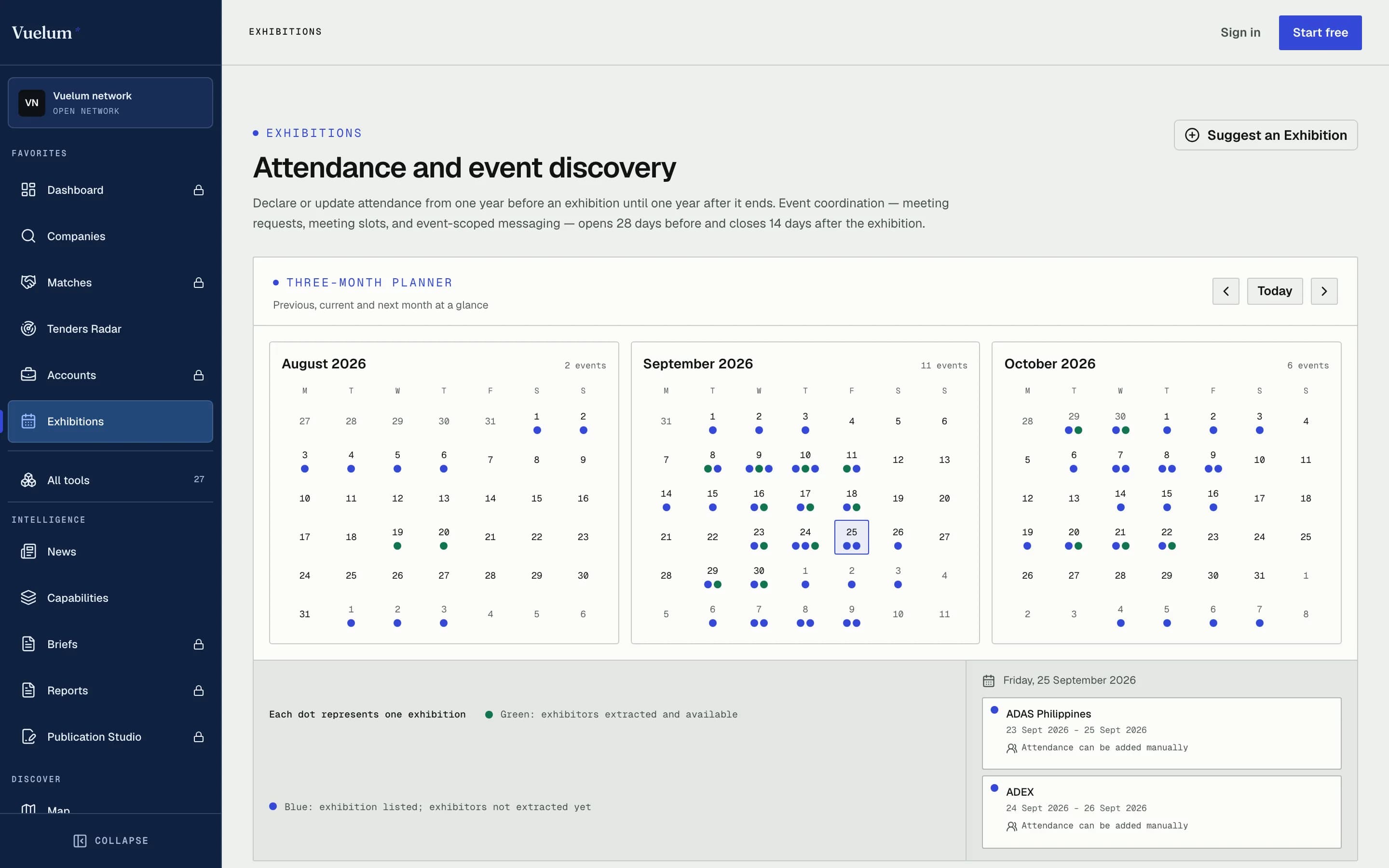
01.3Plan the show seasonA three-month planner for defence exhibitions, with attendance and meetings in one place.
02 / 06Transcription and dictation
VerbScribe
Transcription for meetings, dictation and the work after.
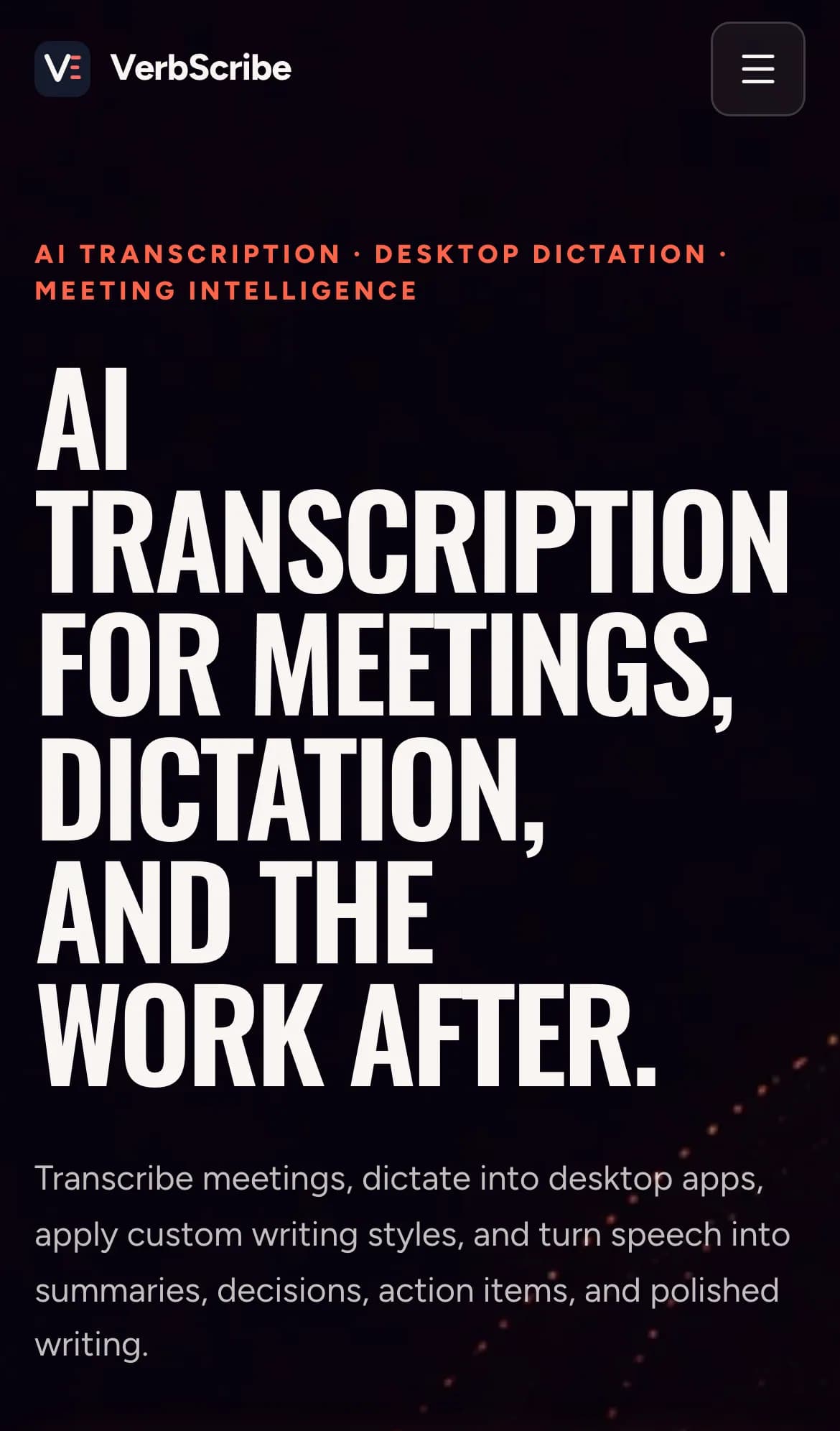
Live meeting transcription with an assistant that picks out decisions and actions, plus desktop dictation that writes in the style you choose.
- Live transcription
- Meeting assistant
- Desktop dictation
- Writing styles
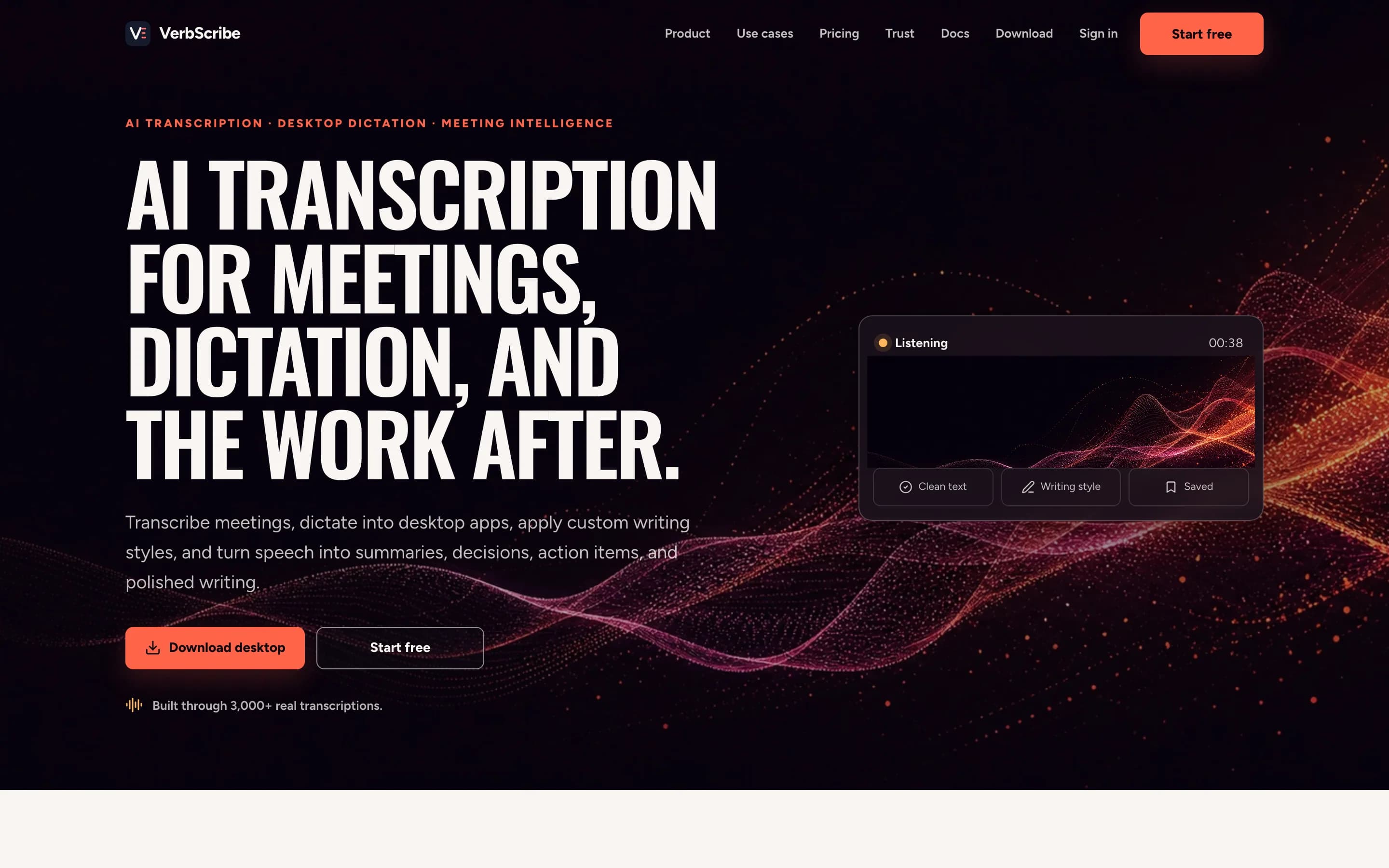
02.1Record, transcribe, rewriteMeetings, dictation and voice notes become summaries, decisions and action items. 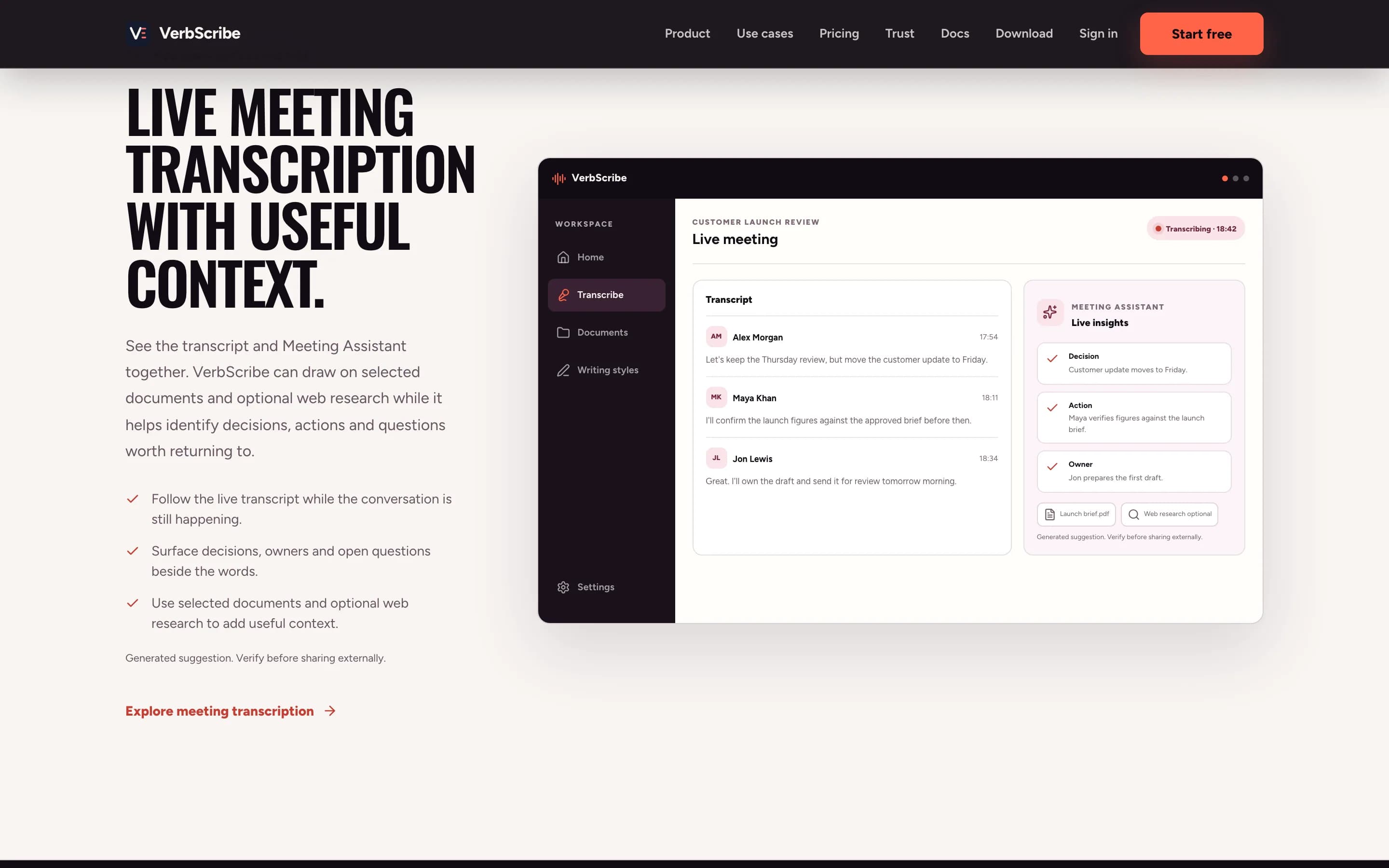
02.2The meeting, as it happensA live transcript with an assistant that captures decisions, owners and open questions. 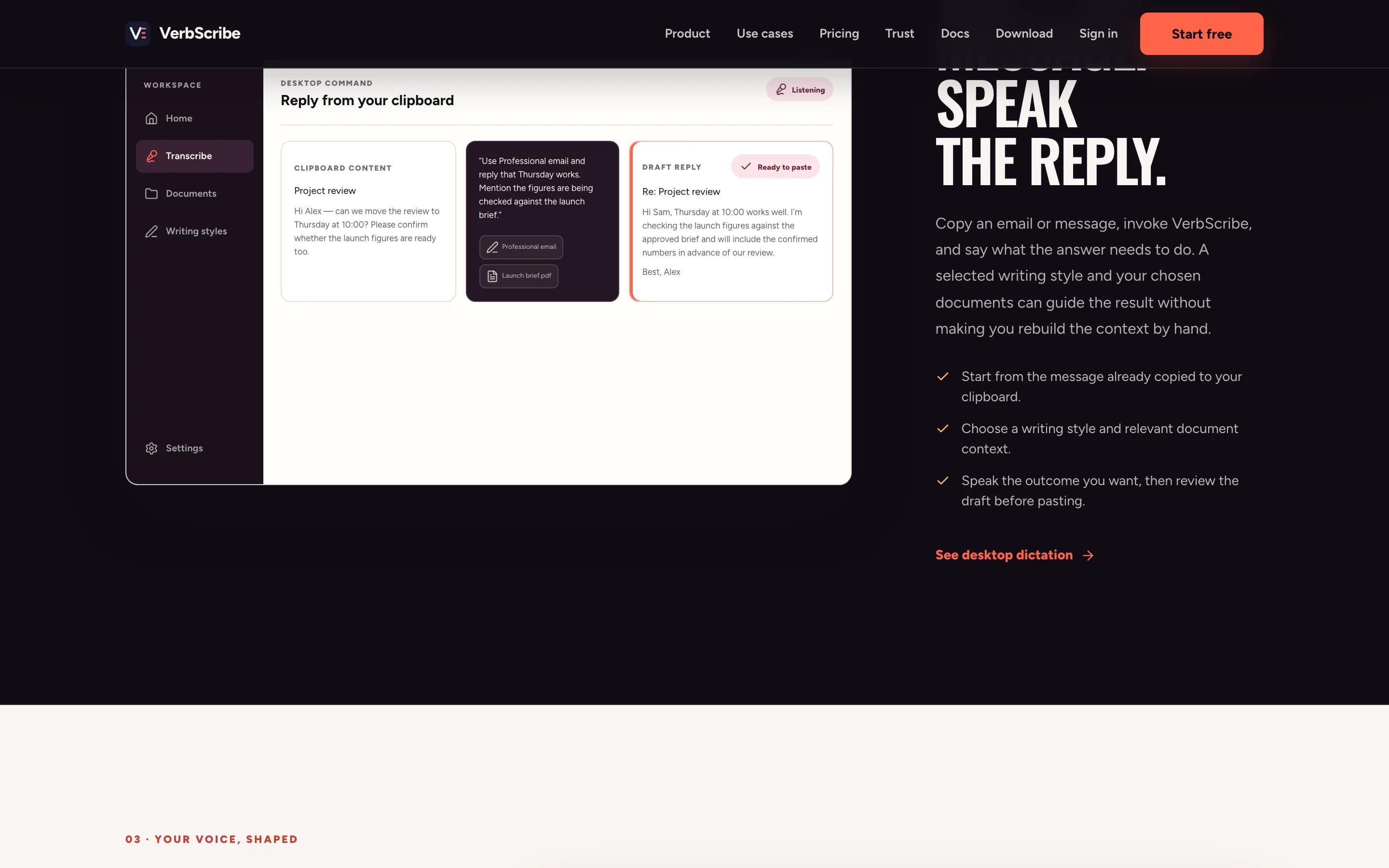
02.3Speak the replyDictate into any desktop app. VerbScribe writes it up in the style you pick.
03 / 06Electronics design workbench
CircuitForge
Trust the trail, not the pitch.

An invite-only workbench that takes an electronics idea through requirements, component choices, calculations and checks, then exports a KiCad project for review. The AI proposes; a person decides.
- Requirements
- Component selection
- Design checks
- KiCad export
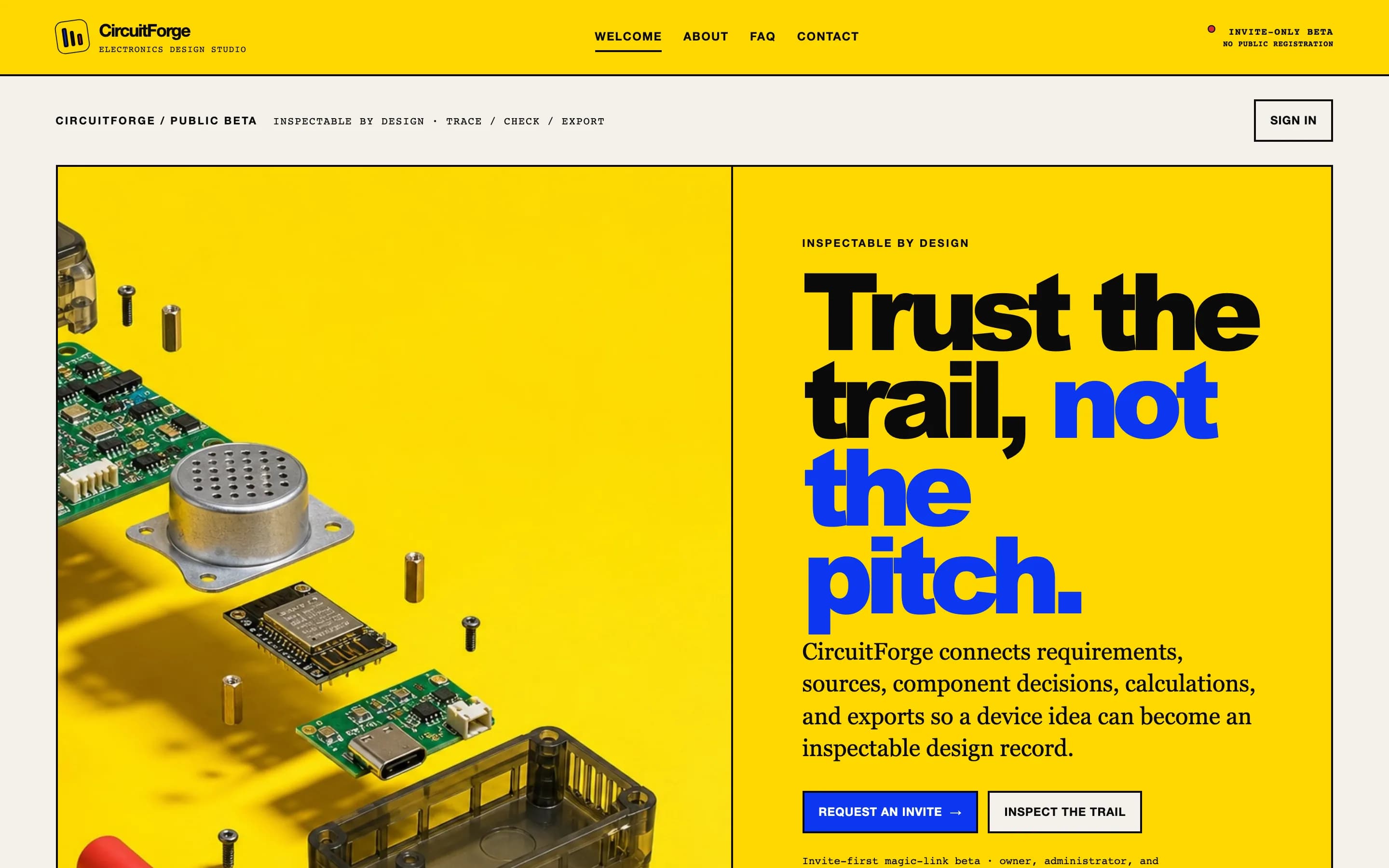
03.1From idea to design recordRequirements, sources, component decisions and calculations stay connected from the first sentence. 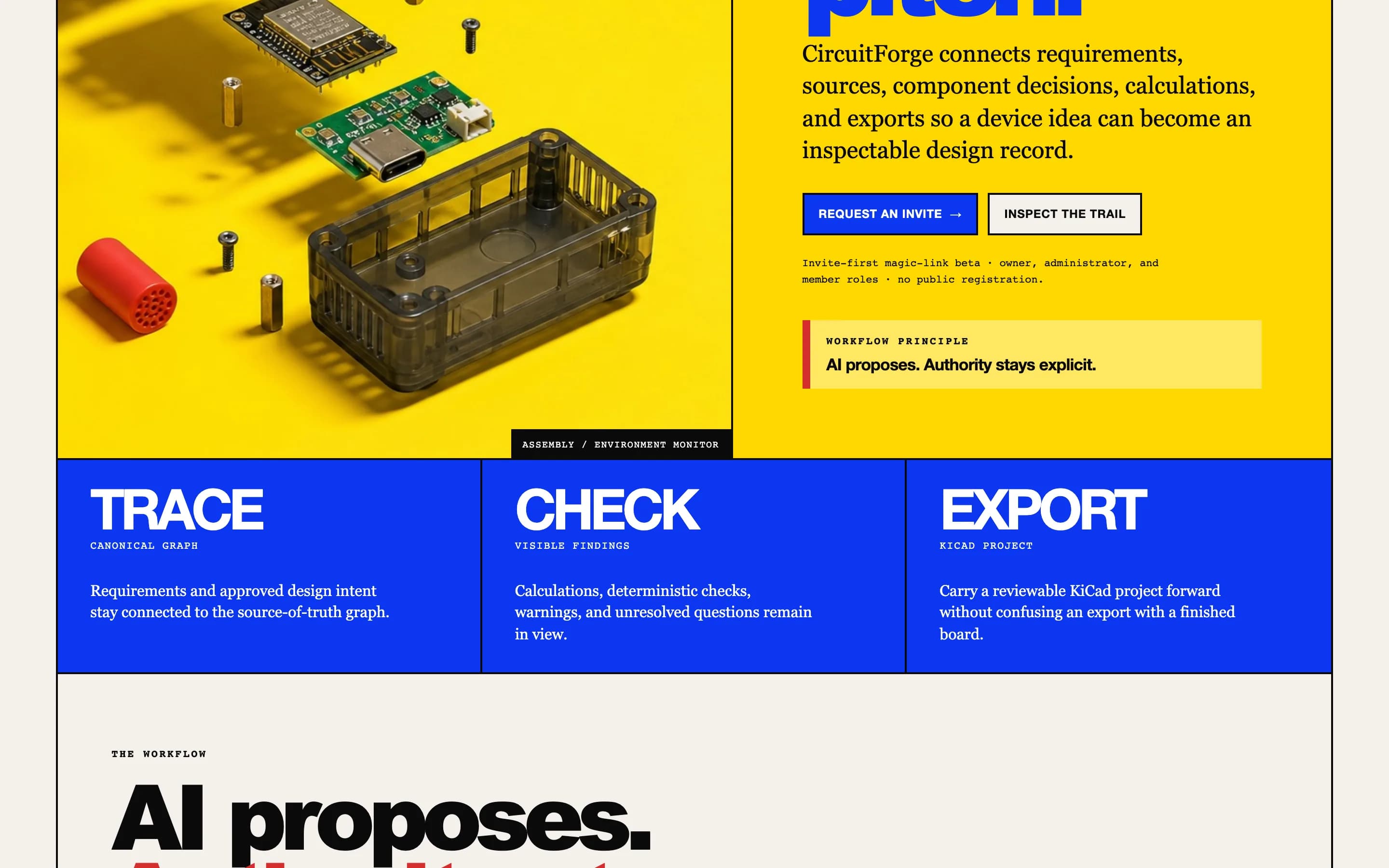
03.2Trace. Check. Export.Traceable requirements, automated checks with visible warnings, and a KiCad project you can open. 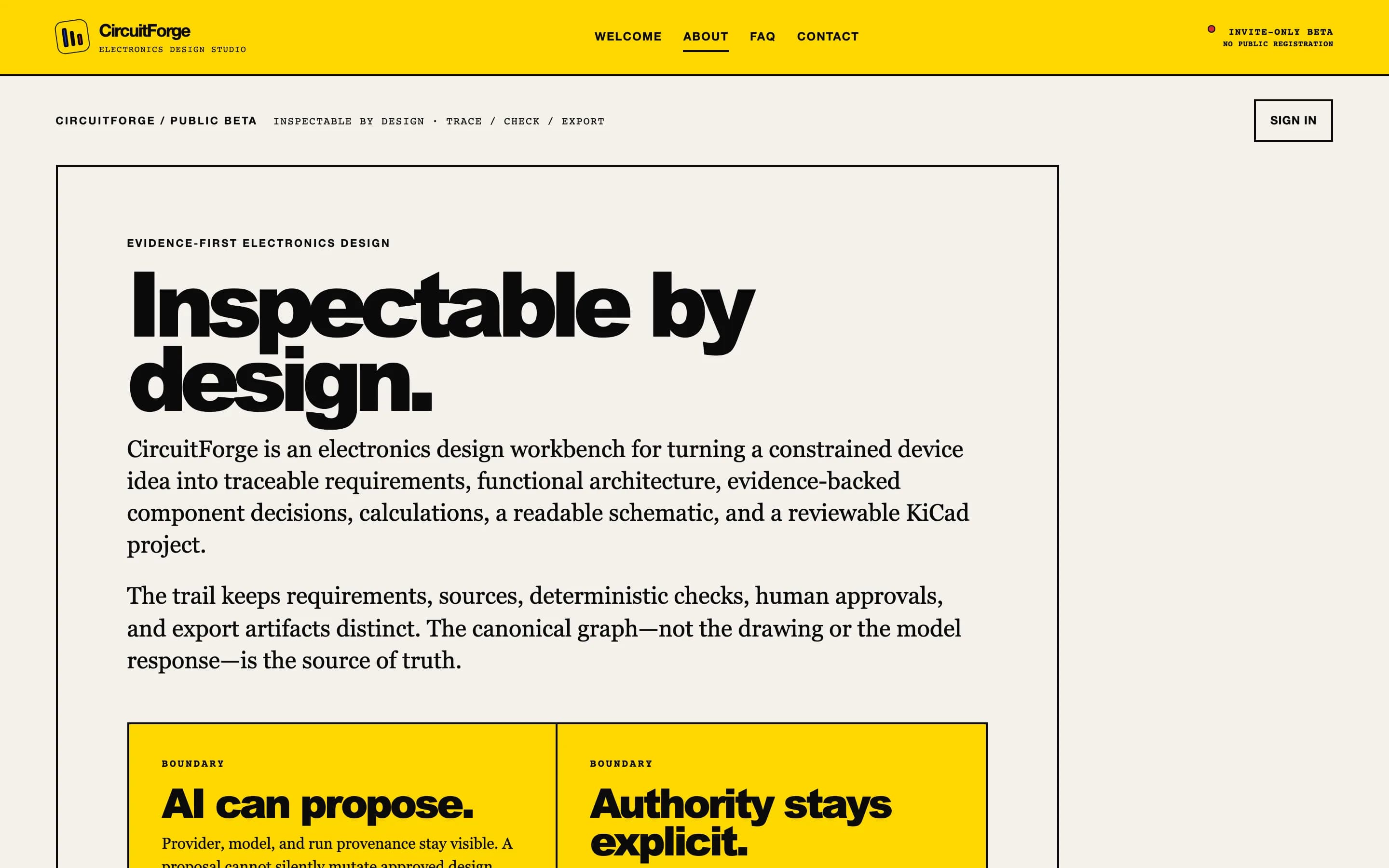
03.3The AI proposes. You decide.Every model suggestion sits beside the person who approved it, so the reasoning survives.
04 / 06Radar and RF coverage
AxioRad
Radar coverage analysis, in your browser.
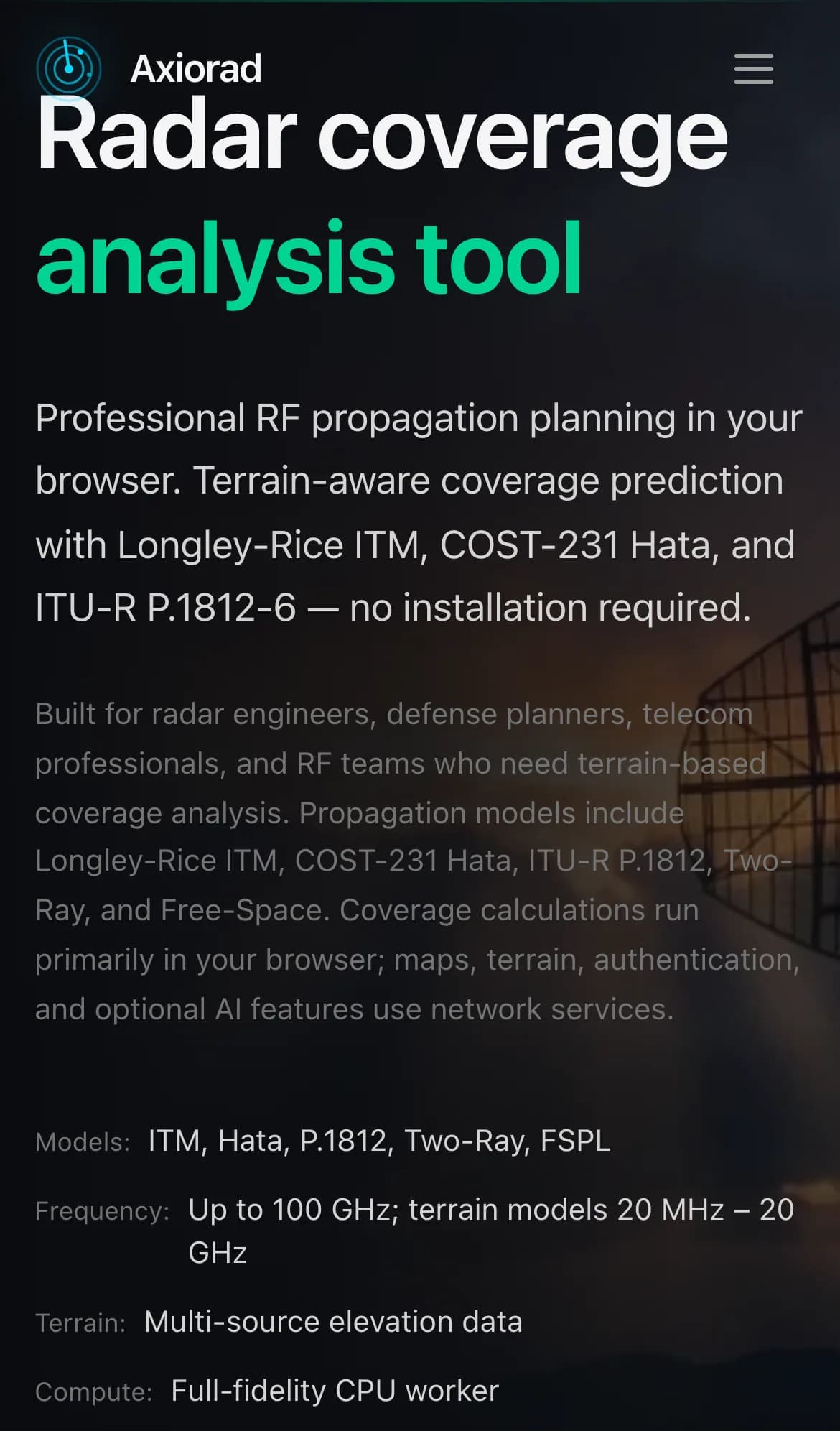
Browser-based radar and RF coverage analysis with established propagation models, multi-radar networks and route studies. Results export to GeoTIFF, KML and GeoJSON, with nothing to install.
- Propagation models
- Terrain-aware coverage
- Multi-radar networks
- GIS export
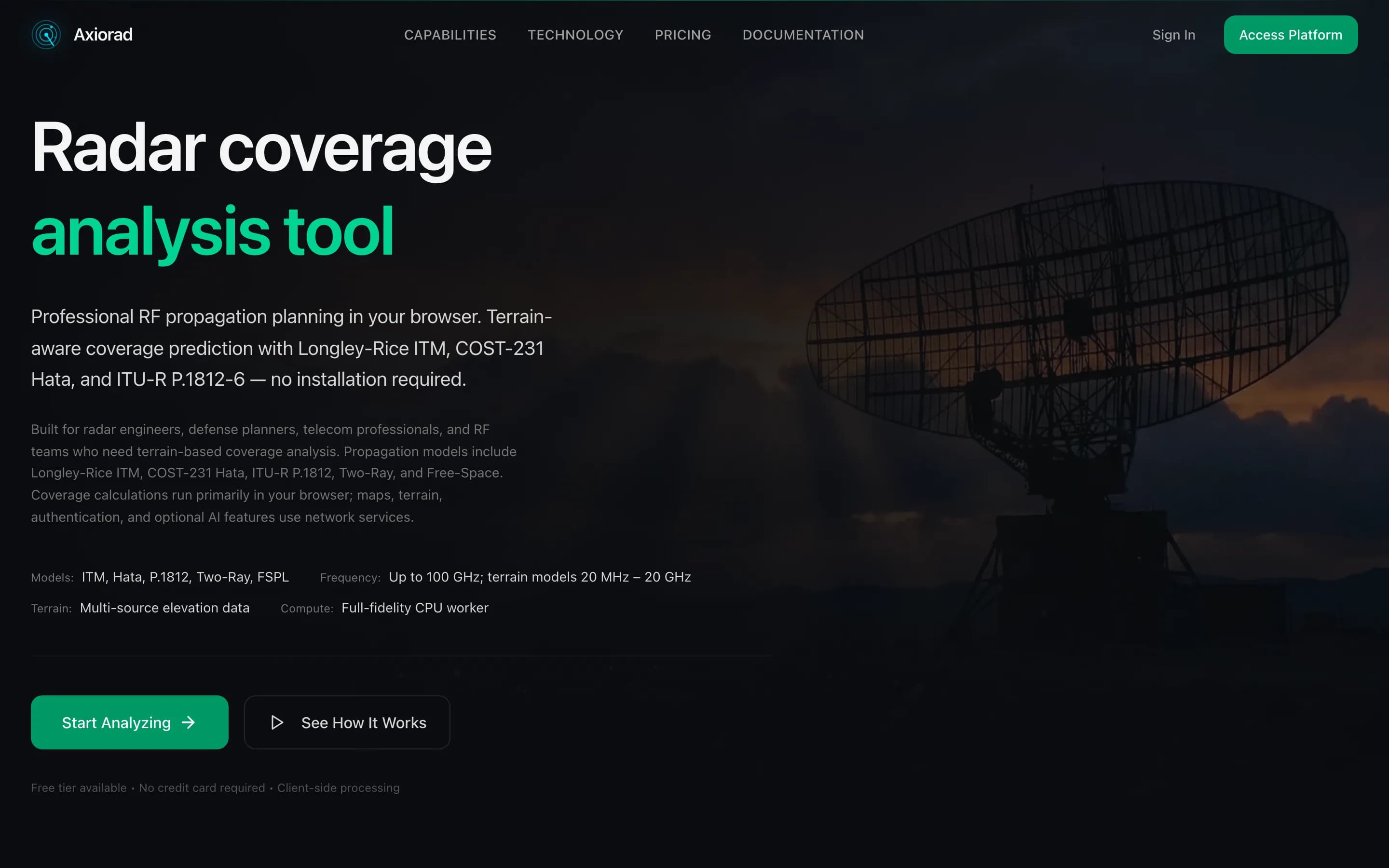
04.1Coverage on real terrainRF propagation planning in the browser, with terrain-aware models and nothing to install. 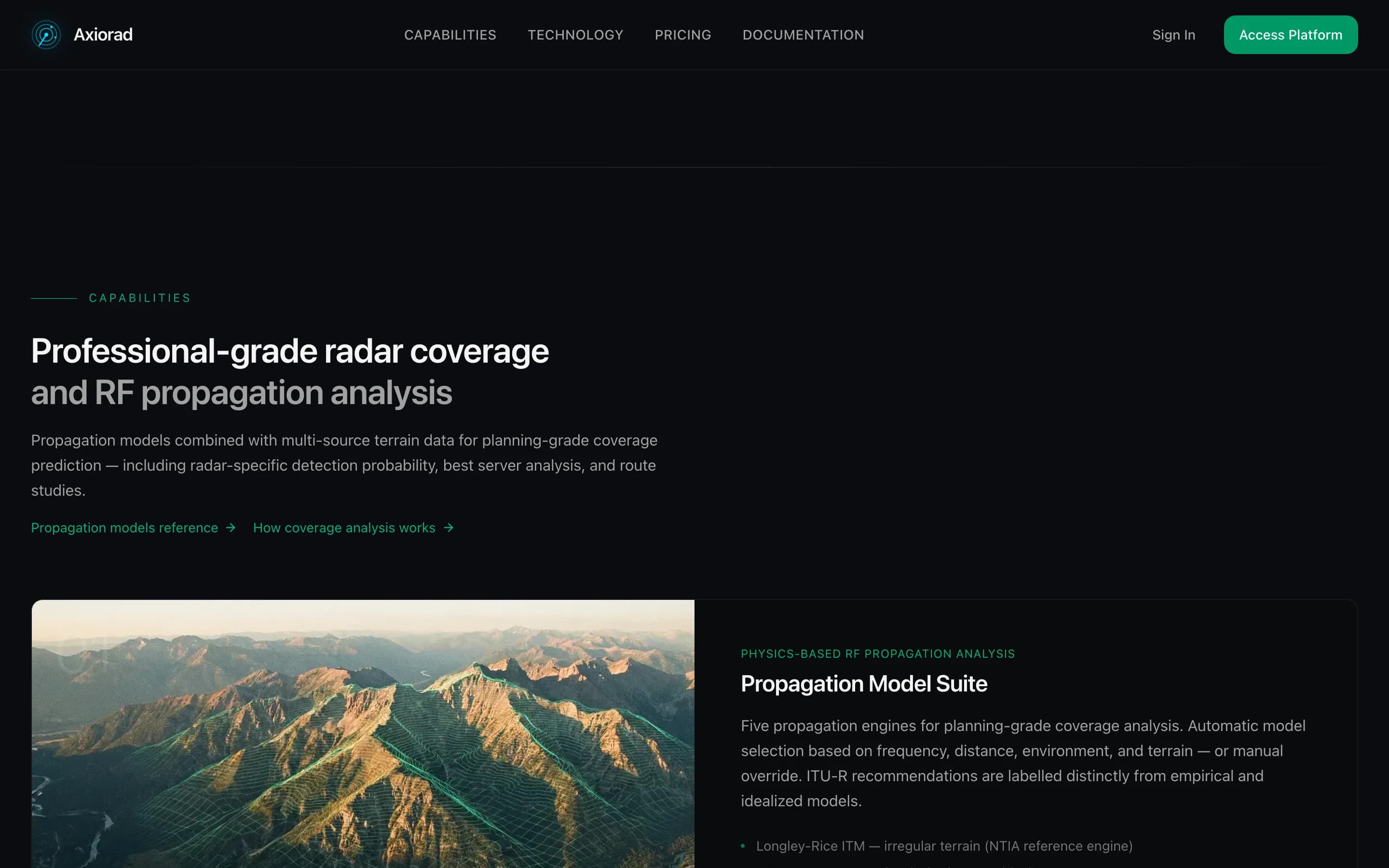
04.2Models engineers recogniseLongley-Rice ITM, COST-231 Hata, ITU-R P.1812 and more, picked automatically or by hand. 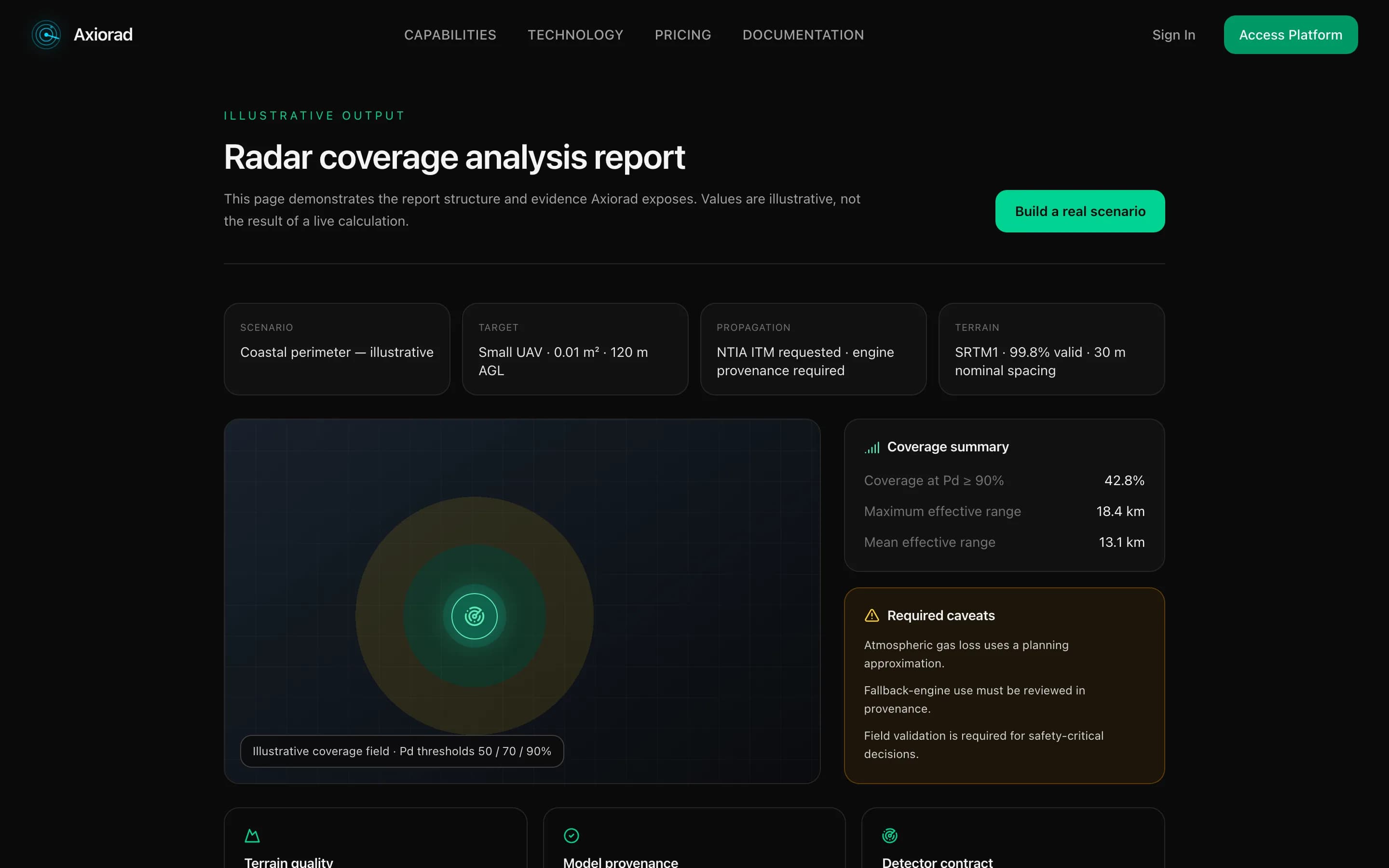
04.3A report you can hand overCoverage summary, caveats and model provenance, together in one report.
05 / 06Browser coding agent
MaiaChat
A coding agent in the browser, working on your own files.
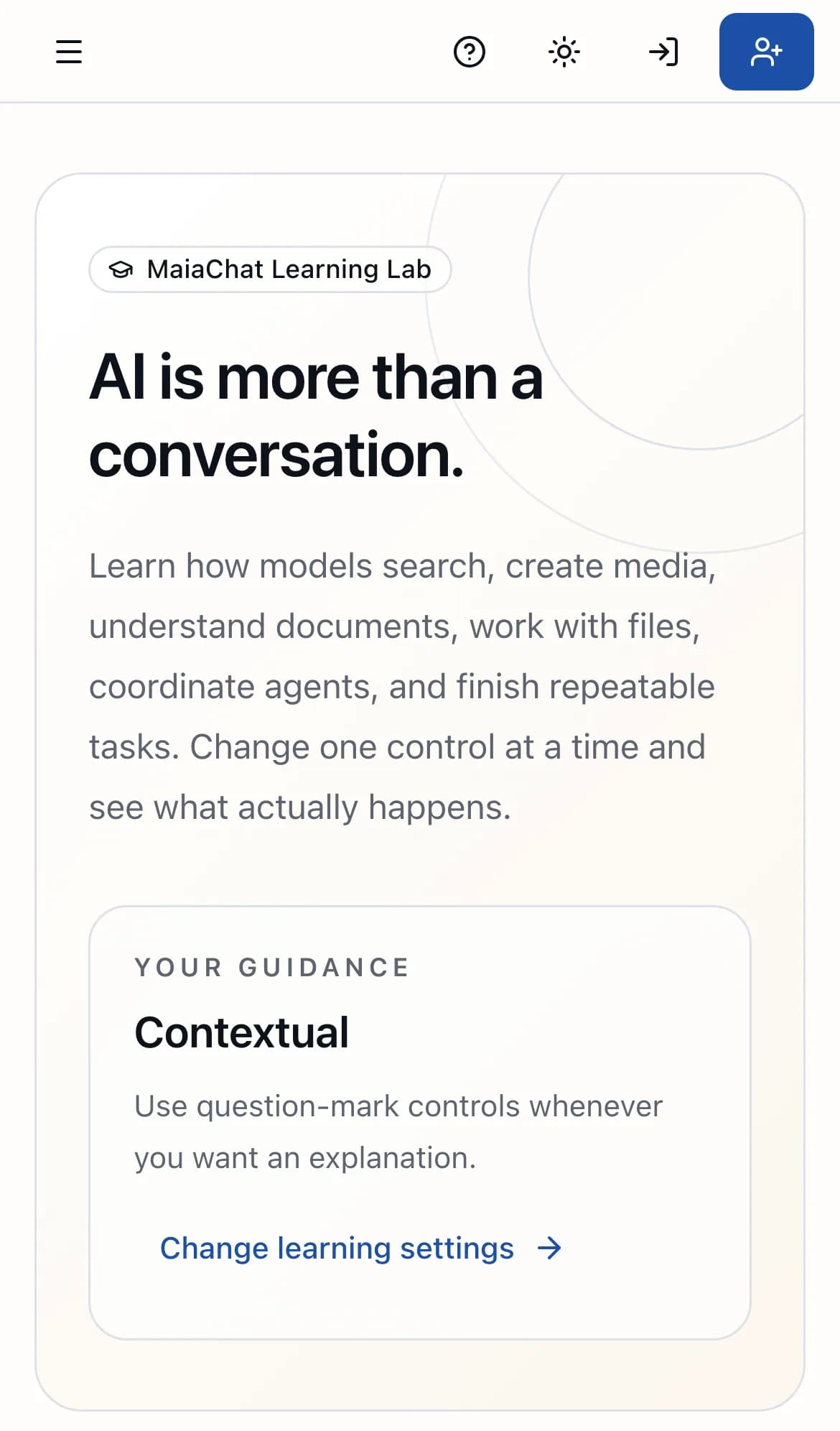
An AI workspace where the agent opens a folder on your own drive, then builds and edits real files, all from a browser tab. It also does research with sources, runs a local in-browser model and teaches through a Learning Lab. It is changing fast.
- Coding agent
- Local file access
- Research with sources
- In-browser model
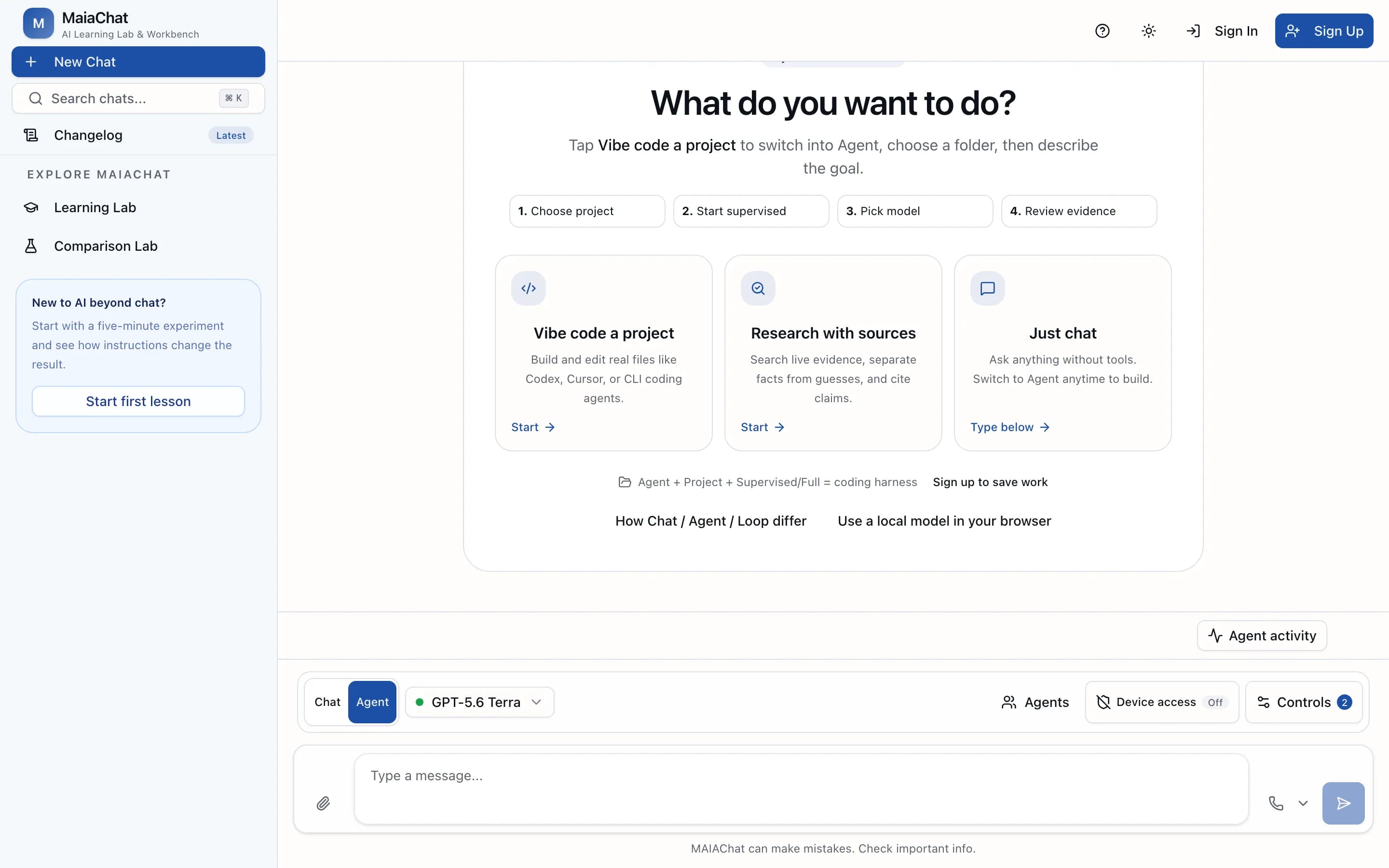
05.1Pick a folder. Start building.Choose a project on your drive, pick a mode and let the agent build and edit real files. 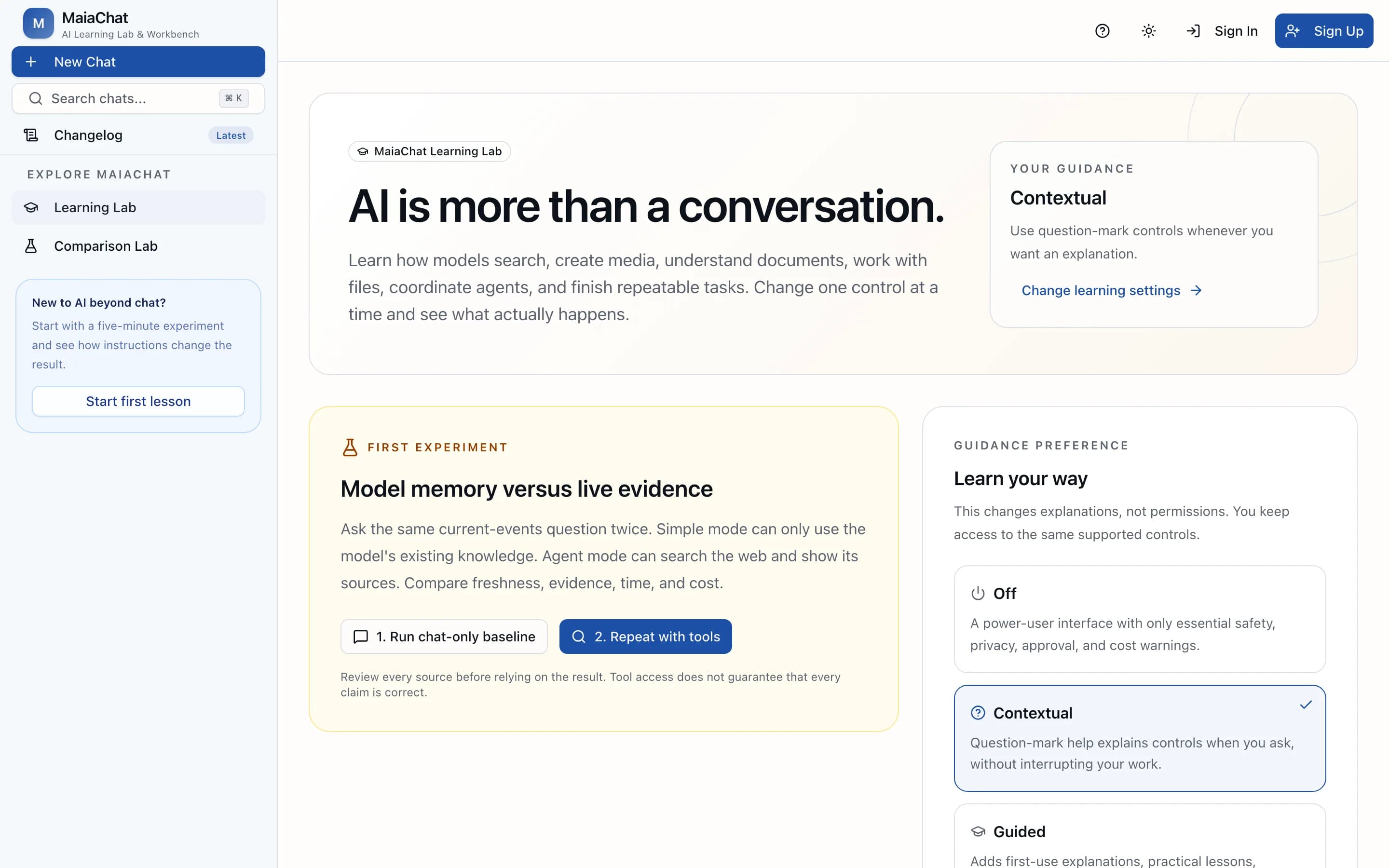
05.2Learn what AI can really doA Learning Lab with hands-on experiments that show what models can do beyond chat. 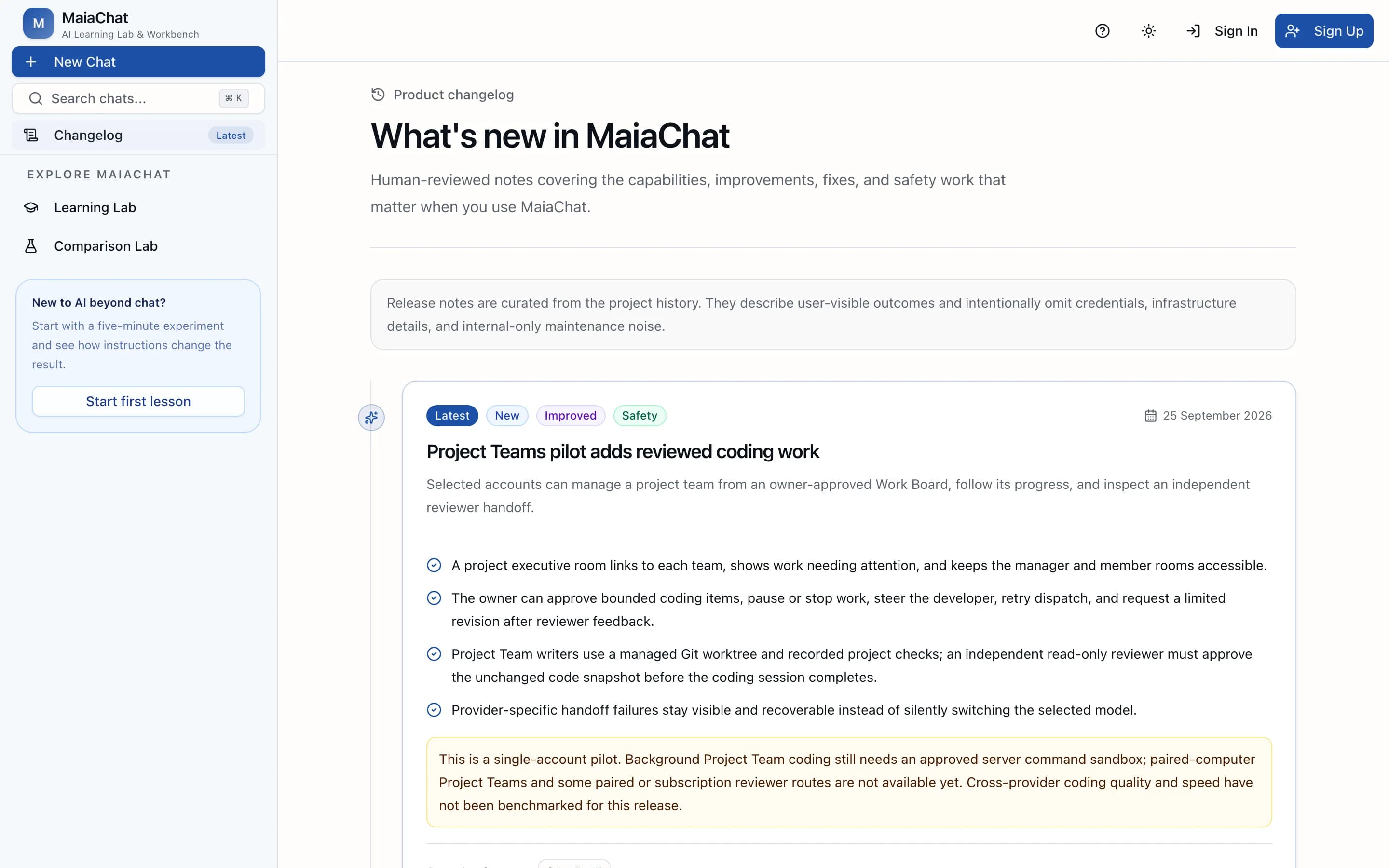
05.3Shipping in publicA reviewed changelog that says what changed, release by release.
06 / 06International sales workspace
Territory Ledger
Know where the next conversation matters.
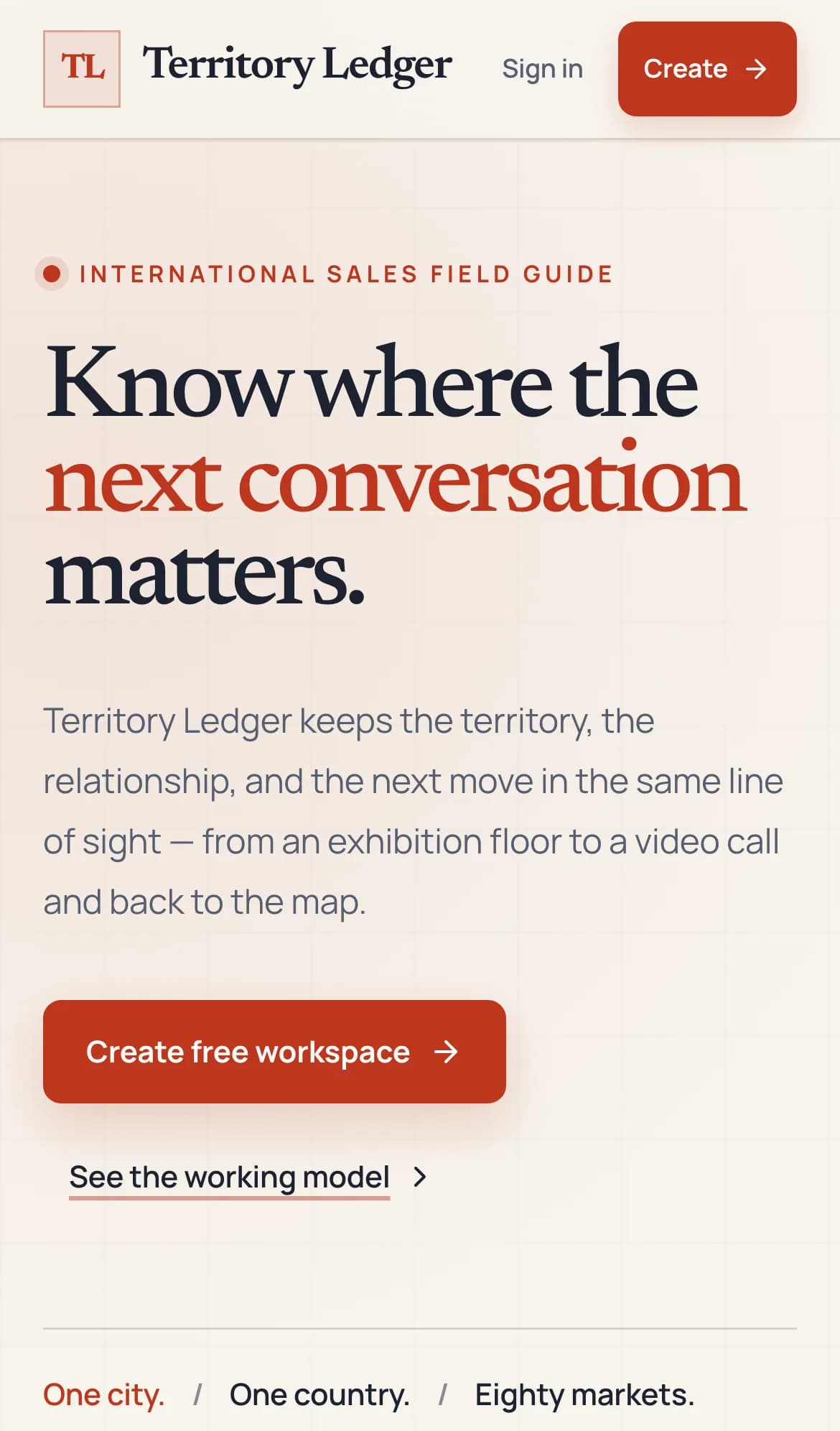
A free public-beta workspace for international sales. Zoom from a world map to a country, city, account and meeting, with people, exhibitions, pipeline and next actions kept together.
- Territory map
- Accounts and contacts
- Exhibitions
- Pipeline and next actions
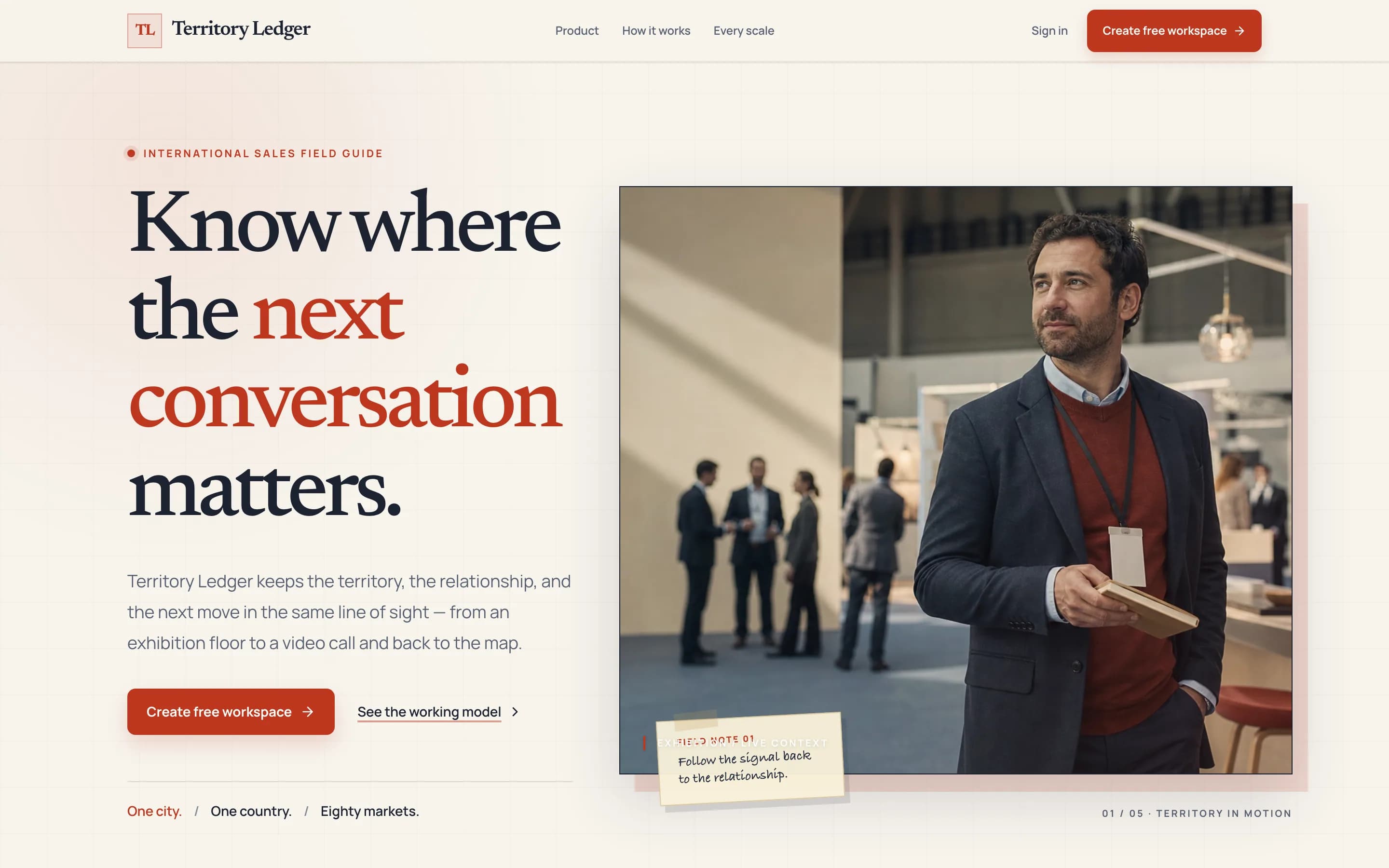
06.1Territory, relationship, next moveThe territory, the relationship and the next move, in the same line of sight. 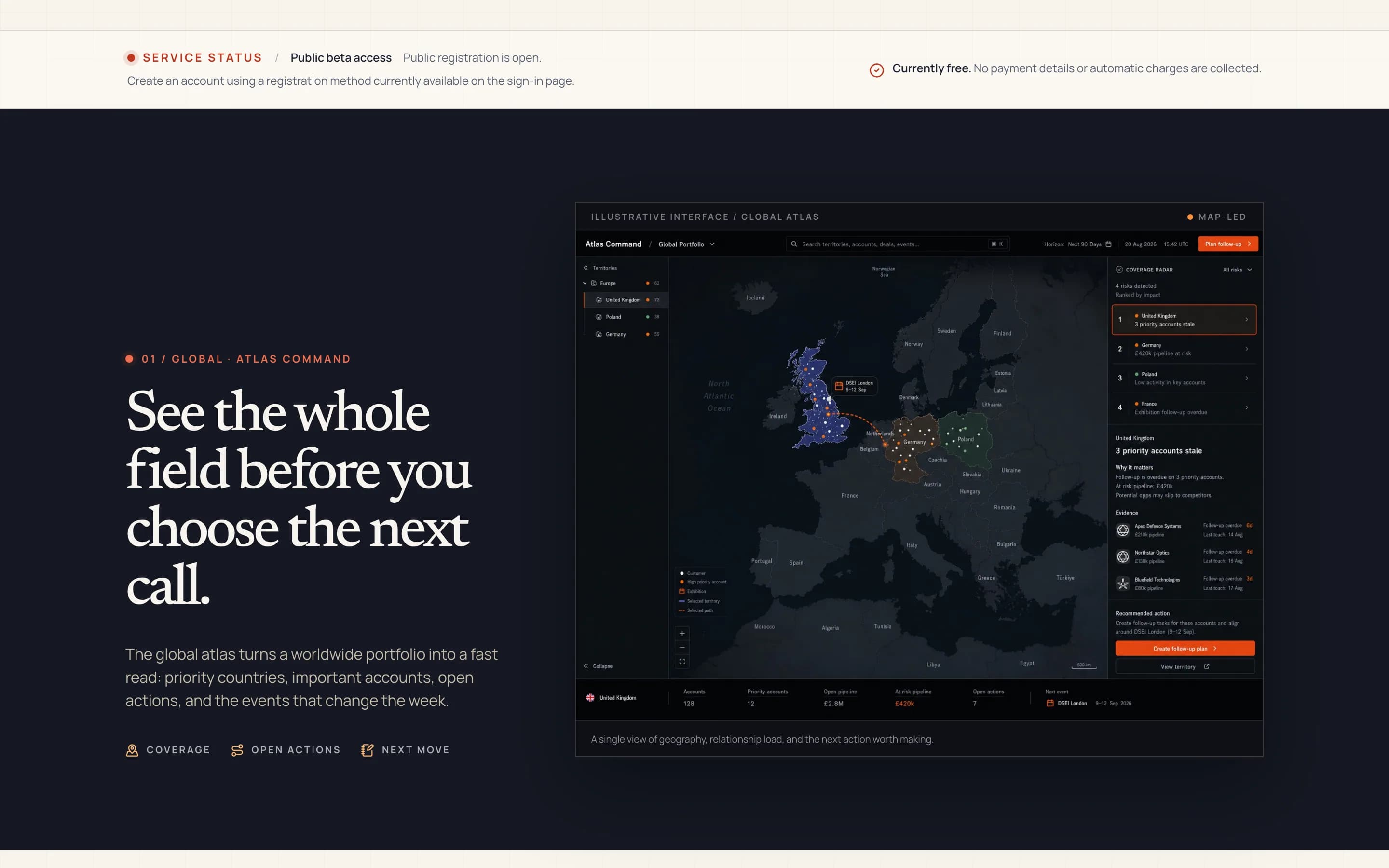
06.2See the whole fieldA world atlas of priority countries, important accounts, open actions and upcoming events. 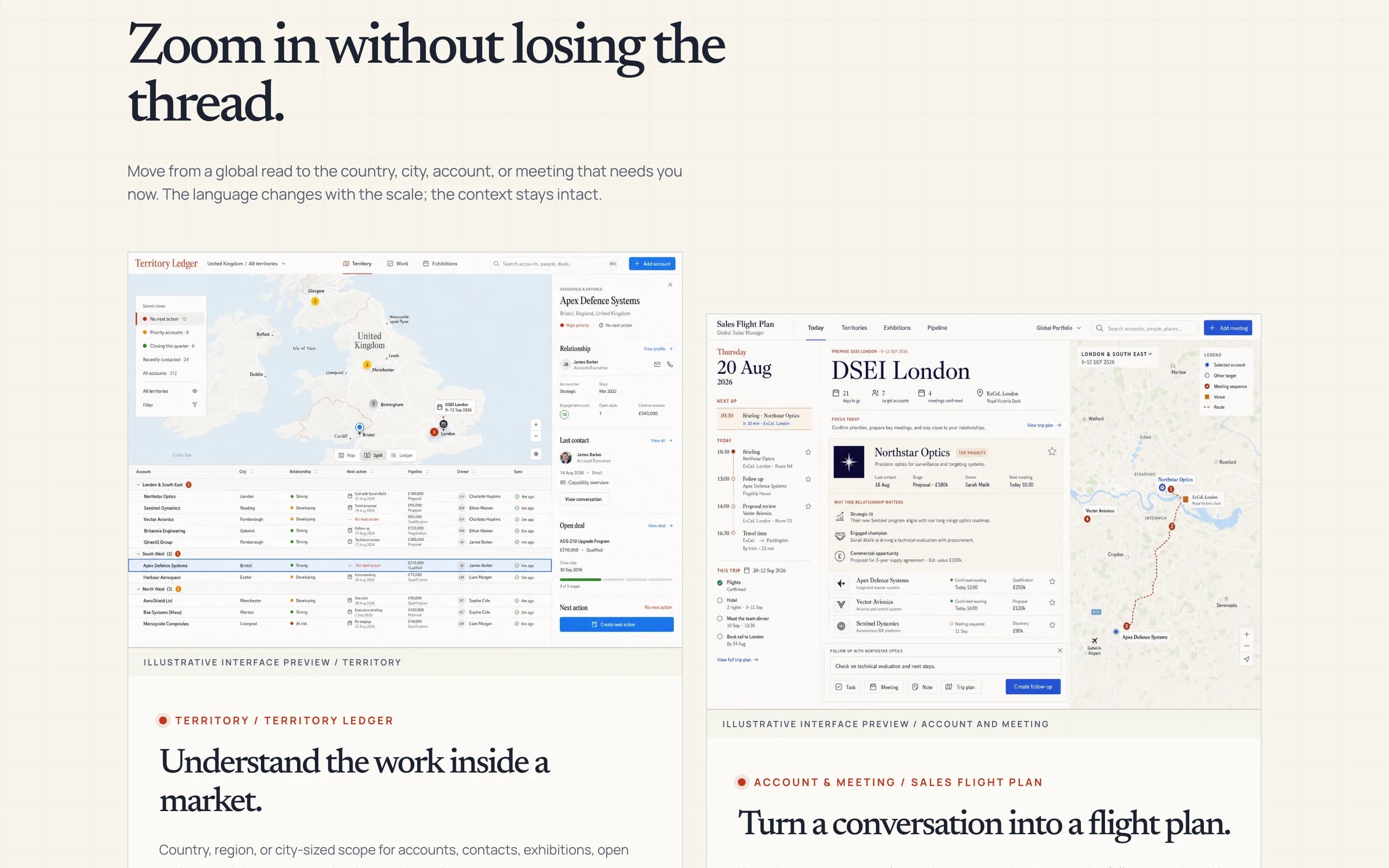
06.3Zoom in without losing the threadMove from the world to a country, city, account or meeting. The context stays with you.
Also on the workbench
Six more, at different stages.
One is live, three are in beta, one is an experiment and one is in development. Each one is labelled for what it is today.
- 07
 VisualForge BenchGive AI models the same brief, then see the pages they actually built.LiveAI model benchmark
 - 08
 pAIpdriveTurn sales emails, Outlook threads and business cards into clean Pipedrive records.BetaCRM capture for Pipedrive
 - 09
 SighThorPlan drone missions on real terrain and keep a record of what was checked.BetaDrone mission planning
 - 10
 MaiaFormA fitness app that adapts to the week you actually have.BetaAI fitness coach
 - 11
 AppPortraitWhere app ideas meet the people who can build them.ExperimentCommunity for app builders
 - 12
 EkviduSee how AI assistants find and describe your brand, and what to fix.In developmentAI visibility

About me
AI can build apps. Not without a lot of effort.
My background is electronics, RF, technical diagnosis and international sales: more than fifteen years of making technical products work for real customers.
I built every product on this page myself, with AI coding tools and subscriptions. The tools write a lot of the code. Deciding what to build, testing it on real work and fixing it when it breaks, again and again, is still down to me.
- Public products
- 12
- Live
- 4
- In beta
- 6
- Earlier stage
- 2
Working together
I can help you build yours.
If there is a workflow that AI might genuinely improve, I can help you find out, build a working version and take it to production.
- 01Find the right AI opportunityI look at your workflow, constraints and data first, then tell you where AI will genuinely help, and where it will not.
- 02Build a working prototypeI build a narrow working version, test it on real examples and give you an honest build-or-stop recommendation.
- 03Take it to productionI design and build the full product: workflow tools, assistants, search or carefully bounded agents.
- 04Part-time AI product leadershipSenior product judgement when you need someone to set direction, choose vendors and models, and get people using what was built.
Have an idea that needs building?